“Wow, you’re gonna fight? Grandpa hasn’t let you fight him this whole time?!”
(based of a redraw from Dragonball Super)
10.03.2026 00:36
👍 9
🔁 2
💬 0
📌 0

@cha0tix03
Hi I draw stuff 22 90s Enthusiast 💿 🎂28th July🎂 I'm also an OC/Multifandom artist Art trades/Collabs: Mutuals only https://linktr.ee/Cha0tix03?utm_source=linktree_profile_share<sid=7eb4cf30-46e0-4ef4-b8ca-6ed4f8663a06
“Wow, you’re gonna fight? Grandpa hasn’t let you fight him this whole time?!”
(based of a redraw from Dragonball Super)

Electronikat (a.k.a. Elec) serving a casserole dish, while wearing some a chef's hat, some oven mitts and apron over his regular outfit.
"Chicken noodle casserole, with peas, chickpeas, carrots and cauliflower, deep-dish style. It's on the table!" #cooking #chef #catoc #anthro #furryart

Suzette, a female cow, sitting on a pedestal and reciting her poetry from a piece of paper, under a spotlight and background.
"May the drunken fools fall into the underworld, under the influence of Satan's sins." - Suzette
#anthro #cowoc #furryart #poet #slampoetry

Some small minor changes I made to Kyle’s design
Kyle Kamalien (2026) 🦎9️⃣6️⃣

2026

2021
Happy Pokémon Day with my favourite Pokémon, Sobble!
(redraw of some old art that I made back in 2021)
2026
2021
Happy Pokémon Day with my favourite Pokémon, Sobble!
(redraw of some old art that I made back in 2021)
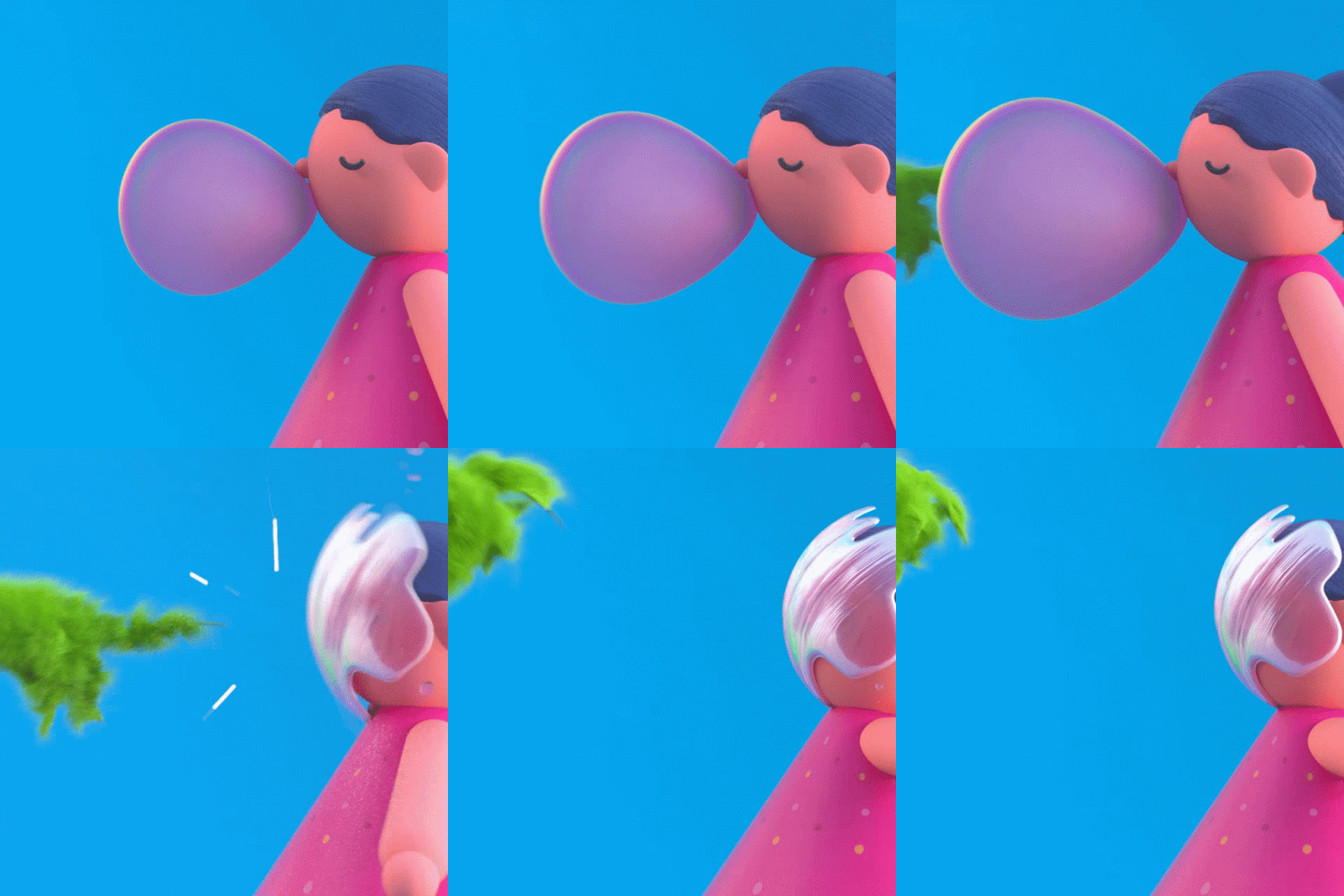
POP 👏 THE 👏 BUBBLE!! 👏 POP 👏 THE 👏 BUBBLE!! 👏
#art #animation #OC #Melody&Liz

Suzette, a female anthro cow character, holding a pen in front of a background consisting of torn paper and 90s-esque patterns, in front of a grunge pattern.
She appreciates good fiction and her own slam poetry, Introducing Lattie's friend...Suzette! #ocart #cow #anthro #experimentalstyle #grunge


Dan Lotl’s attention span
(redraw from Amphibia)


The main 4 (Sonic redraw)
Kyle meets his 2022 self
If you see this, post a character that starts with the letter L
Louie Tortelius

SodaDog facing Tecnik Cheetah (which says Soda Vs. Tecnik, WHO WILL WIN?!) in fighting stances behind a jagged background with anime-like rushing effects, in the style of a versus screen seen in fighting video games.
SodaDog V.S. Tecnik...who will win?! #digitalart #fighting #rivalry #cheetahoc #dogoc #furryart


Take your pick
Kyle meets his 2022 self

Easy Art Grunge Effects Tutorial by SodaDog Make background grunge effects without it looking like a brush loop! Examples below; (Gekkomon art, Tecnik Cheetah Dweeb art and Count Maine art are shown for examples.) NOTE: This tutorial is primarily for any version of Paint.NET and Paint Tool SAI, but can be replicated with other programs, with similar features too. You will need the Grim Color Reaper Plug-in for Paint.NET. ============== Step 1 (Photo of the material, taken from the camera) Use a photo of a material, or landscape; For this tutorial I'm going with a concrete material I've taken with my iPhone, transferred to my computer via a USB stick. You can try other materials if you like, as I've already shown in the example images. The resolution for the photo is 3024x4032px, and I use an average of 2100x2100px for canvas sizing. The photo itself can be resized if you're using a larger canvas.

Step 2 Import the photo onto your computer (from the USB drive files) at maximum resolution to get all the details and open it up in Paint.NET. Also use this step to crop out any outer parts not needed, if desired. (Photo of the material on Paint.Net) Step 3 From the Adjustments bar, set the image to Black and White and use Brightness/Contrast (found in same bar) to balance whatever grunge detail you like. The colours can be inverted in Adjustments...Invert Colours. NOTE: You can still colour the grunge effects later on in this tutorial. (image of greyscale and brightness/contrast drop-down) It is important to change the Brightness/Contrast of the image, as that will also remove the "shakiness" close up, and binarize the material too. (comparison of unaltered and altered photo with brightness/contrast setting)

Step 4 Go to Effects../Color, Use the Grim Color Reaper to make it transparent. (Image of Grim Color Reaper drop-down and modified material with the tool active) You can choose either Black, White, or Primary Colour or Secondary Colour, depending on how much grunge you want. For this one, I'm going with Primary Colour. (Close-up of grunge.) If you go by that, recolour the image to black by going to Adjustments and Hue/Saturation and turning the Lightness down to -100 for clarity. Now that the image is transparent, the grunge material is ready to be used.

Save the Grunge "material" and use it in the art program of your choice, it MUST be saved as a PNG to preserve the transparency, and NOT downscaled in any form. Give it a distinct filename, too. In terms of the Save Configuration, that part is not really important. The lowest the Bit Depth can get is 8-bit, but I usually set it to Auto-Detect. (Images of grunge material being saved, and Save Configuration) Now to move onto the art program you use!
So for a change, I'll show you an art tutorial on how I do cool and practical grunge effects, it's that simple! (🧵 1/3) #tutorial #arttutorial #grunge #paintsplatter #artistonbluesky
Honestly, I feel that this whole Discord situation is all a bunch of doomscrolling bullshit.
The fact that people are leaving over this is just a bit over the top in my opinion

From anti-clockwise, Gekkomon on top of Tomoro Asuka, Reina Sakuya, Pristimon, Makoto Kuonji, Kyo Sawashiro and Chiropmon from Digimon Beatbreak in the style of The Fairly OddParents.
Fairly Odd Glowing Dawn #digitalart #fairlyoddparents #digimon #beatbreak #デジモン #2000scartoon #geometric
Just a whole bunch of doomscrolling nonsense
Honestly, it’s all just a bunch of bollocks. Ok, I don’t pay for Nitro, but I ain’t joining another platform only to abandon it a few weeks later.

Also updated my banner
The main 4 (Sonic redraw)
Have lots and lots of ideas stuck in your head for years on end?
Write it down.
Make a backlog as big as possible. It will help you in the long run, especially if you need ideas in art.
Your brain NEEDS space for other stuff later in life.
Thank god I used Ibis Paint X and not any Adobe products
🎨 Share your OC boundaries
🖌️ Is Fanart okay?
YES!!
💞 Is shipping okay?
Nah
🖋️ Is Fanfiction ok?
If you want to
♊️ Can other’s draw their OC’s with yours?
FUCK YES!
🙅♀️ NSFW?
Draw NSFW of my OCs and I’ll come over and break your fucking kneecaps! (jk, but seriously, FUCK NO!)
🤖 AI?
Definitely NOT!
👀👀👀👀👀
You’re absolutely welcome!

2026

2022
Murphy & Mitzi
@ajmarekart.bsky.social
(Redraw of an old drawing that I made back in 2022)