Using AI to code games is a great way to create review games for the classroom!
02.08.2025 18:55
👍 1
🔁 0
💬 0
📌 0

@fromtexttotech
8th Grade ELA Teacher & M.Ed. Candidate in Learning, Design & Technology | Gamification & AI in K-12 | Following the ISTE Standards for Coaches | Future-Ready Educator | Avid Reader | #EduSky #EduSkyAI #EdTech #EngageELA
Using AI to code games is a great way to create review games for the classroom!
It is possible!

Where Can K–12 IT Professionals Find Networking and Support? #EdTech
#edusky #TLSky #teachers #education #educators
Kahoot!'s dilemma: Fun vs. Education 🎮📚
Discover how to balance engagement and assessment in edtech products. NextSprints tackles this PM challenge!
#ProductManagement #EdTech
Great advice!
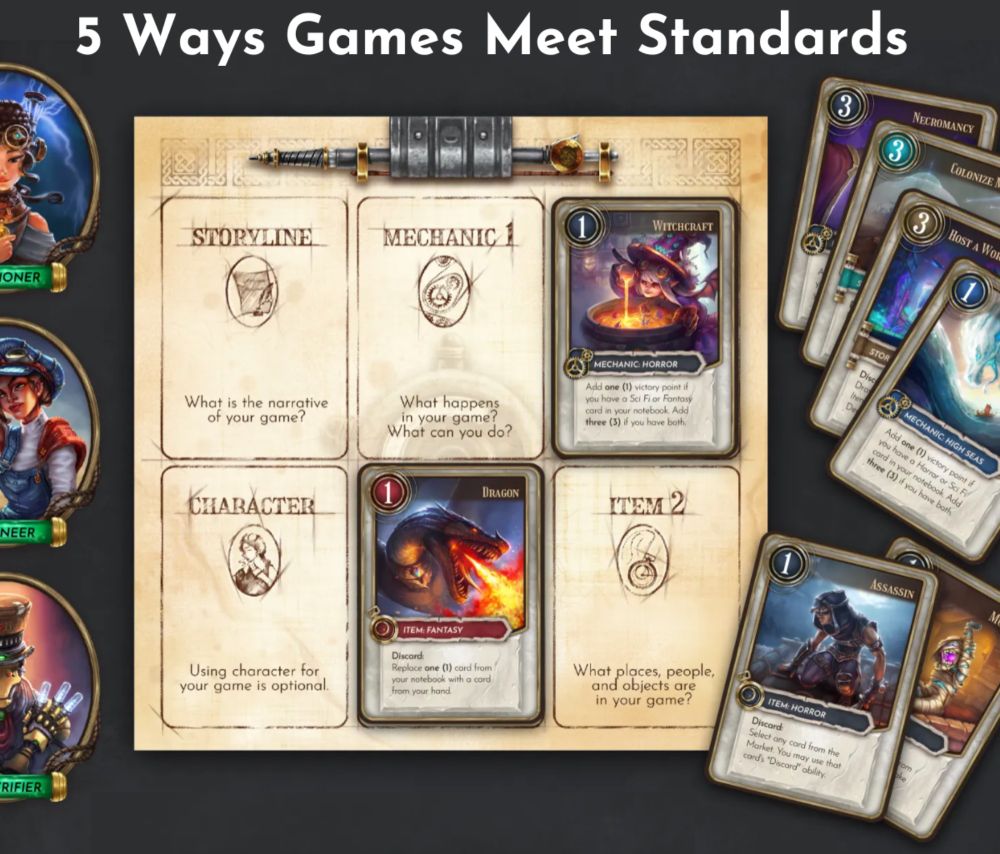
We know, we know - it's really HARD to work games into the curriculum, #ideacon
So we did it for you - here's FIVE ways our games align with state standards! #IDEACon2025
gamestormedu.com/2025/02/03/f...
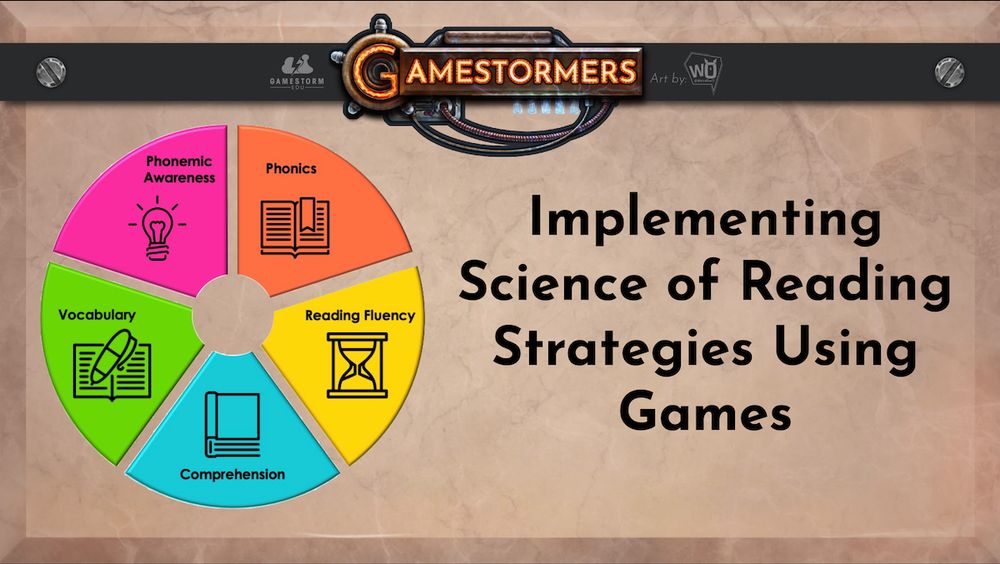
Let's be honest - the Science of Reading curriculum doesn't often jump off the pages for our students!
So I thought - what if we created resources to help educators use GAMES to practice skills like phonics, fluency, and comprehension with our learners?!
Welp, here it is!
https://buff.ly/3CWR23f
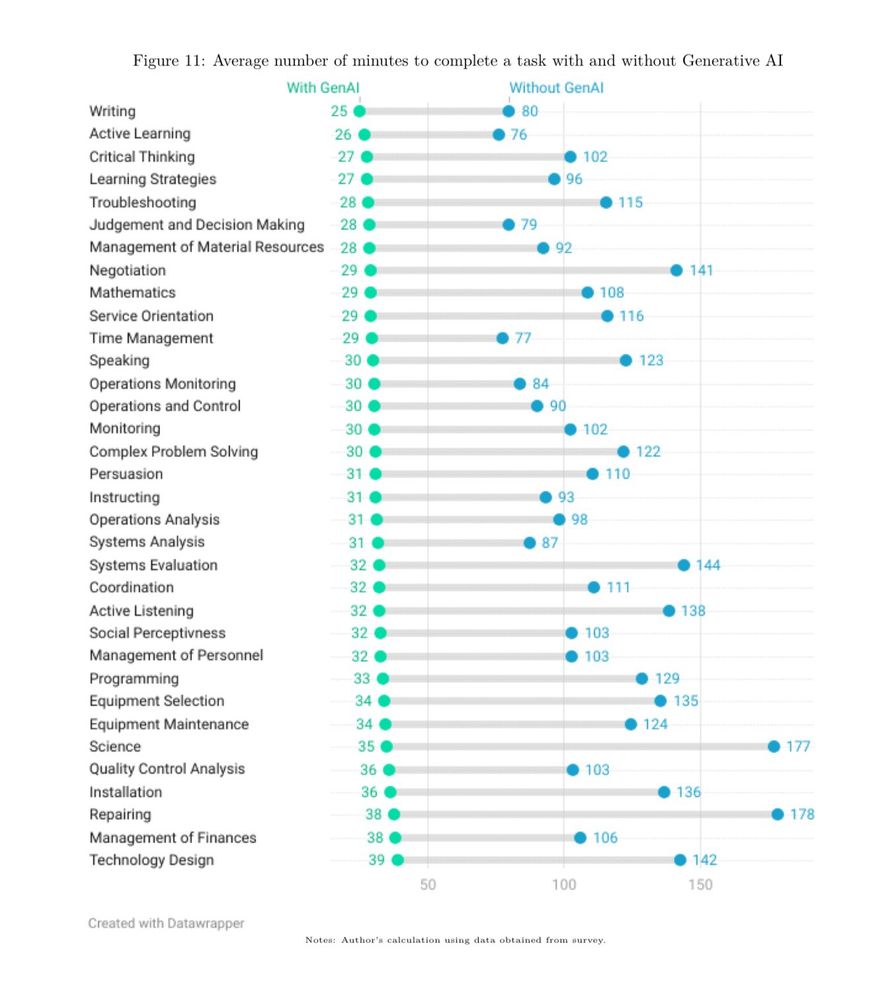
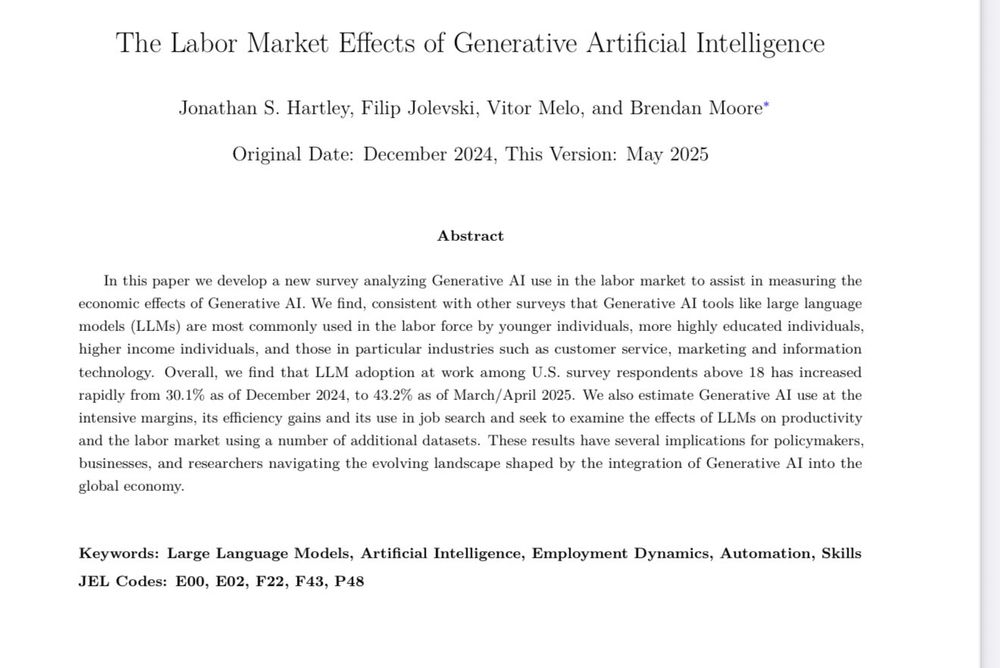
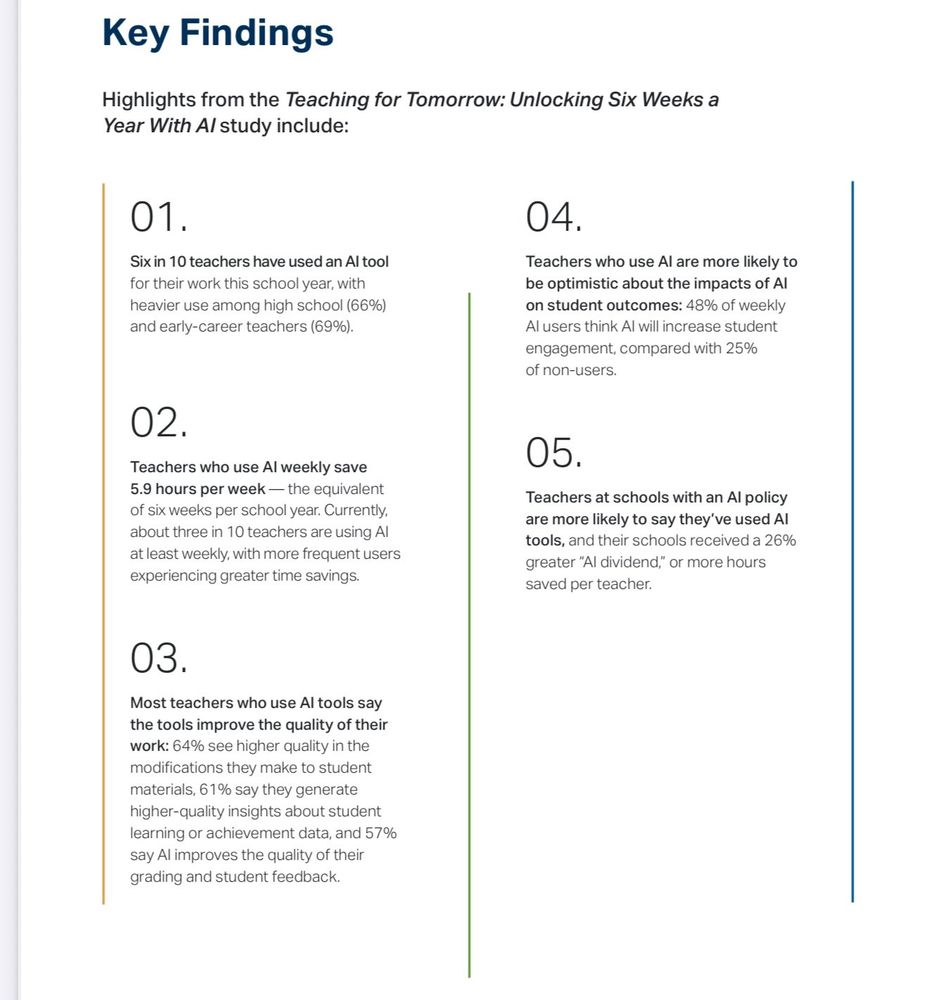
The repeated argument that I see on this site that AI is not actually useful to real people needs to be retired based on the representative national surveys we now have on AI users.
Teachers using AI report 6 hour a week time savings. Workers using AI report 3x productivity gains on 1/5 of tasks.

I wrote about this problem a bit here; www.oneusefulthing.org/p/using-ai-r...

Are gaming apps effective as tools for learning? www.deccanherald.com/specials/are... #GameBasedLearning #Apps

Five tips when embedding #gamification in the classroom www.timeshighereducation.com/campus/five-... #GameBasedLearning

Join me for my free webinars this Wednesday streamed live on YouTube!
🖐️ Chromebooks Create! Empowering Students with Screencast, Canvas & Cursive
🔑 Chromebook Accessibility Tools
Resources & live streaming links at www.controlaltachieve.com/2025/07/my-2...
#EduSky #EdTech #GoogleEDU

Tip Tuesday! You can start a new Google Vids project by importing Google Slides. It inserts your slides into the timeline and adds transitions. Then you can enter a script and record a voiceover or generate a voiceover with AI. #EduSky
vids.google.com